
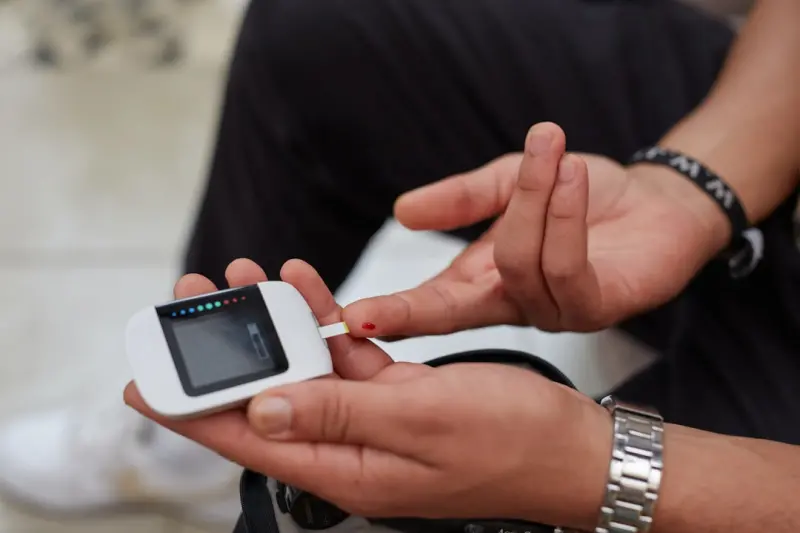
Why Your Digital Habits Could Be the Missing Piece in Prediabetes Control
When I first heard the term “prediabetes” I imagined a looming medical label, a ticking clock that would inevitably turn into full‑blown diabetes if I didn’t overhaul my life. The usual prescriptions—cut carbs, hit the gym, count calories—felt like a full‑scale renovation of my daily routine. But what if the real leverage lies in the tiny, almost invisible habits we practice on our smartphones, laptops, and smart home devices?
In the past year I’ve become obsessed with the idea that digital micro‑habits—the way we interact with technology for just a few minutes a day—can create a ripple effect on our metabolic health. This isn’t about the latest fitness app that promises to burn 500 calories in a 10‑minute sprint. It’s about the subtle, data‑driven nudges that keep blood sugar steady, reduce stress, and reinforce healthy choices without us even realizing it.
The Glucose‑Tech Connection: What the Science Says
Researchers have started to map the relationship between continuous glucose monitoring (CGM) data and everyday digital interactions. A recent study from the Journal of Digital Health showed that participants who received real‑time glucose insights through a simple smartwatch notification were 23% more likely to choose a low‑glycemic snack over a sugary one within the next hour. The key takeaway? Immediate feedback loops are more powerful than distant, abstract goals.
Beyond wearables, even the way we design our email inboxes, set phone reminders, or configure smart home lighting can influence stress hormones like cortisol, which in turn affect insulin sensitivity. The body’s endocrine system is remarkably responsive to environmental cues—especially those that signal safety or danger. A calming blue light at sunset, a gentle reminder to stand, or a short breathing exercise prompt can all lower stress and stabilize glucose.
Three Simple Digital Tweaks That Pack a Big Metabolic Punch
- Smart Glucose Alerts, Not Just Steps. Most people track steps because it’s a visible metric. Switch your primary health widget to display real‑time glucose trends (many CGM devices now sync with iOS and Android). When you see a rising curve, a 5‑minute walk or a sip of water appears far more compelling than a generic “move more” notification.
- Screen‑Time as a Stress Barometer. Use built‑in digital wellbeing tools to monitor how long you stare at high‑stimulus content (social media feeds, fast‑paced news). Set a daily limit and replace excess scroll time with a short “pause” routine—perhaps a guided breath or a stretch. This reduces cortisol spikes that can sabotage insulin.
- Ambient Environment Automation. Program your smart lights to shift to warmer tones an hour before bedtime and dim gradually. Pair this with a “sleep mode” that silences notifications. A cooler, quieter environment encourages melatonin production, which improves overnight glucose regulation.
These tweaks require less than 10 minutes of setup and integrate seamlessly into a day that already feels overloaded with tasks. The magic is in the compounding effect—each small adjustment nudges your body toward a more stable metabolic state.
From Data Overload to Insightful Action: Building a Personal Glucose Dashboard
One of my favorite experiments this year was building a custom glucose dashboard using a free data visualization tool (Google Data Studio) linked to my CGM’s export API. Here’s how you can replicate it:
- Step 1: Export your CGM data. Most devices allow you to download CSV files or sync with cloud services.
- Step 2: Connect to a visualization platform. Import the CSV and create a line chart that plots glucose levels against time of day.
- Step 3: Overlay contextual data. Add columns for “Meal Type,” “Physical Activity,” “Screen Time,” and “Stress Rating.” This gives you a visual correlation matrix.
- Step 4: Set dynamic thresholds. Highlight zones where glucose exceeds 140 mg/dL (post‑prandial) and flag them in red.
- Step 5: Automate alerts. Use a simple script (Zapier or IFTTT) to send you a push notification when glucose enters the red zone for more than 30 minutes.
When you can see, at a glance, that a 30‑minute Zoom call followed by a sugary coffee consistently pushes your glucose into the danger zone, you can start making targeted changes—perhaps swapping that coffee for a matcha latte or scheduling a brief walk after the call.
Community, Accountability, and the Power of Shared Data
Even the most sophisticated dashboard can feel lonely if you’re navigating the prediabetes journey alone. That’s why I started a small online cohort of friends and colleagues who each share a weekly snapshot of their glucose trends (anonymized, of course). We discuss patterns, celebrate wins, and brainstorm digital habit tweaks.
The group’s favorite tool? A shared Google Sheet that automatically pulls in each member’s CSV export. We use Breathing Into Balance as a reference for a quick, evidence‑based relaxation exercise that we trigger during high‑stress work moments. The result? A measurable dip in average post‑lunch glucose spikes across the group.
Community accountability doesn’t have to be a massive forum. Even a handful of like‑minded peers can create a feedback loop that reinforces your digital habit changes. The key is transparency—seeing others’ data normalizes the experience and sparks collaborative problem‑solving.
When Technology Becomes a Stressor: Knowing When to Unplug
There’s a paradox here: the very devices that help us monitor glucose can also become a source of anxiety if we obsess over every fluctuation. I’ve learned the hard way that continuous monitoring without context can trigger a “doom‑scrolling” mentality—checking glucose every five minutes and feeling guilty when it spikes.
To avoid this trap, I set a “data window”—a designated time each day (usually after dinner) when I review my trends. Outside of that window, the dashboard is hidden, and notifications are muted. This approach mirrors the principle of “digital fasting,” giving your brain a break from constant health metrics while still preserving the benefits of data‑driven insights.
Integrating Nutrition Without Overhauling Meals
Most prediabetes content dives deep into macro‑counting and meal plans. While nutrition is undeniably crucial, the digital angle offers a gentler entry point. For instance, using a grocery‑list app that flags high‑glycemic items (by integrating a simple API that references a glycemic index database) can subtly steer your shopping choices.
One of my friends experimented with a “smart pantry” label system: every time she scanned an item with her phone, the app displayed a color‑coded glycemic score. Over weeks, she found herself reaching for a lower‑glycemic snack without consciously counting carbs. It’s a low‑effort habit that aligns perfectly with the digital micro‑habit framework.
Future Trends: AI‑Powered Glucose Coaching
Looking ahead, the next wave of innovation will likely combine AI with the personal data we’ve been collecting. Imagine a virtual coach that not only alerts you to a rising glucose trend but also suggests a specific action based on your calendar, location, and recent activity—like “Take a 5‑minute walk now; you have a 30‑minute gap before your next meeting.”
Early prototypes are already in beta testing, leveraging machine learning to predict glucose spikes up to two hours in advance. As these tools become mainstream, the barrier between data and action will shrink dramatically, turning prediabetes management from a reactive chore into a proactive lifestyle.
Putting It All Together: Your 30‑Day Digital Habit Challenge
Ready to test the theory? Here’s a simple 30‑day plan that integrates the concepts above:
- Day 1‑5: Set up your glucose dashboard. Export data, create visualizations, and configure alerts.
- Day 6‑10: Implement smart alerts. Replace step counters with glucose trend notifications on your watch.
- Day 11‑15: Audit screen time. Use built‑in tools to identify high‑stress digital consumption; replace 15 minutes of scrolling with a breathing break from Turning Prediabetes Into a Playground of Experiments.
- Day 16‑20: Automate your environment. Program lights and notifications for a calming evening routine.
- Day 21‑25: Join or form a small data‑share group. Exchange weekly snapshots, discuss patterns, and celebrate improvements.
- Day 26‑30: Review and refine. Analyze which digital habit yielded the biggest glucose stability and double down on it.
At the end of the month, you should see a measurable reduction in post‑meal glucose spikes and, more importantly, a feeling of empowerment—not from drastic diet changes, but from mastering the tiny digital levers that guide your body’s chemistry.
Closing Thoughts: Embrace the Quiet Power of Pixels
Prediabetes feels massive, but the solution can be surprisingly granular. By harnessing the subtle, everyday interactions we have with technology, we create an ecosystem of feedback that gently steers us toward healthier glucose patterns. It’s not about abandoning all indulgences or becoming a data‑obsessed robot. It’s about letting the quiet power of pixels—those tiny notifications, color‑coded charts, and automated lights—work for you, not against you.
If you’re ready to let your devices become allies rather than stressors, start with one micro‑habit today. Your future self (and your pancreas) will thank you.

Jessica Hall is a dynamic freelance writer based in the vibrant city of London, Ontario. As a dedicated single mom, she expertly juggles the demands of parenthood with her passion for storytelling, crafting compelling narratives that resonate with readers. With a background in retail, Jessica brings a unique perspective to her writing, infusing her work with insights drawn from her experiences
Related Posts
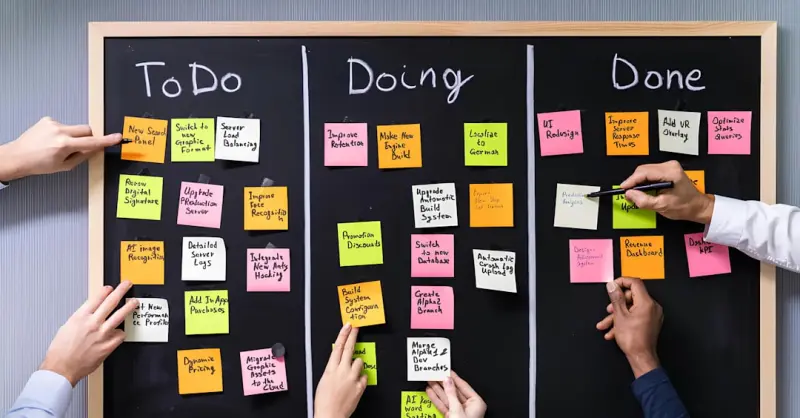
From Warning to Workshop: Redesigning Your Daily Routine to Reverse Prediabetes
The post reframes prediabetes as a design sprint, offering a step‑by‑step framework that uses da... Read More

Traveling Smart: Prediabetes Strategies for the Road
A comprehensive guide for people with prediabetes on how to travel confidently, covering pre‑trip ... Read More

Unlocking the Gut: How Microbiome Mastery Can Turn Prediabetes Around
Discover how a diverse gut microbiome can improve insulin sensitivity and reverse prediabetes. Learn... Read More
Top Posts

Turning Flare Into Insight: How Real‑Time Data Empowers Autoimmune Warriors
Discover a practical roadmap to harness continuous health data, predictive analytics, and collaborative tools that give autoimmune patients real‑time insight ...Read More

Reclaiming Male Vitality: A Holistic Roadmap Beyond the Gym
A personal guide to elevating male vitality by integrating nutrition, purposeful movement, stress mastery, and restorative habits—crafted from real‑world ex...Read More
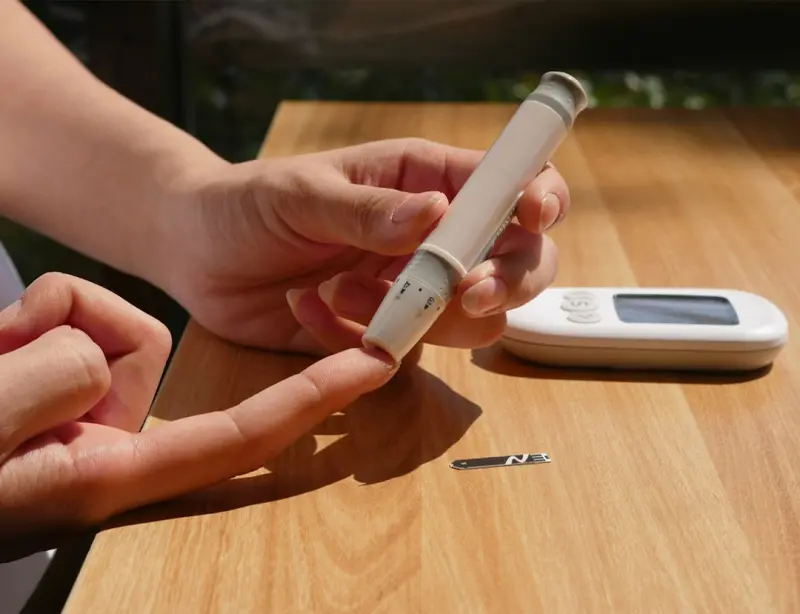
Rethinking Blood Sugar: Rhythm, Movement, and Social Flow
A novel approach to blood‑sugar management that blends ultradian rhythms, micro‑meals, brief movement bursts, mindful social eating, and environment design ...Read More

How Tiny Food Ferments Can Supercharge Your Gut and Mood
A practical guide to starting micro‑ferments at home, linking gut health to better mood and focus, with easy recipes and science‑backed tips....Read More
0 Comments
Post Comment
You will need to Login or Register to comment on this post!